
The Google Pixel 11 range was unveiled on 12 August 2026, giving Android users a new choice between the Pixel 11, Pixel 11 Pro, Pixel 11 Pro XL and Pixel 11 Pro Fold. The new range focuses on Tensor G6 hardware, Android 17, AI features and updated camera tools. (apnews.com)
A new phone can be tempting, particularly if your current Pixel is slowing down or its battery no longer lasts through the day. However, upgrading is not always the best answer. A screen repair, battery-related assessment, protective accessory or help transferring your data may give your current device a longer and more useful life.
If you are searching for Google Pixel 11 screen protector and phone setup in Horden, here is a practical way to decide what to do next.
What is new about the Google Pixel 11?
The Pixel 11 family brings several improvements aimed at people who want better everyday performance rather than a completely different type of phone. Reported highlights include:
- The new Google Tensor G6 processor across the main Pixel 11 range.
- Android 17 software and updated security features.
- New artificial intelligence tools designed to reduce the number of taps needed for common tasks.
- Camera-related features, including improved image and video tools.
- A choice of standard, Pro, XL and foldable models.
The Pixel 11 Pro Fold is aimed at customers who want a larger foldable display, while the standard Pixel 11 is likely to suit people who prefer a more straightforward, compact handset. The Pro and Pro XL models are more suitable for customers who prioritise photography, display size or higher-end features.
That does not automatically mean that every existing Pixel should be replaced. If your current phone still performs well, a little protection and maintenance may be enough.
Should you upgrade to the Pixel 11?
An upgrade may make sense if your current phone has several problems at once or no longer meets your needs. Consider upgrading if:
- Your battery is consistently running out much earlier than it used to.
- The phone has repeated faults, not just one isolated issue.
- The charging port, camera, buttons or speakers are unreliable.
- You need newer camera features or more demanding AI tools.
- Your current storage is regularly full.
- The phone has suffered serious liquid or impact damage.
- You want a larger display or a foldable design that your current phone cannot provide.
It is also worth considering how much you use your phone. If photography, navigation, video, gaming or work apps are central to your day, newer hardware may provide a more noticeable benefit. If you mainly use calls, messages, banking, browsing and social media, repairing a perfectly usable phone may be the more sensible option.
Before buying, check the exact Pixel 11 model you want. Cases and screen protectors are model-specific, and a protector made for a standard Pixel 11 will not necessarily fit a Pro, XL or Fold model.
When repairing your current Pixel may be better
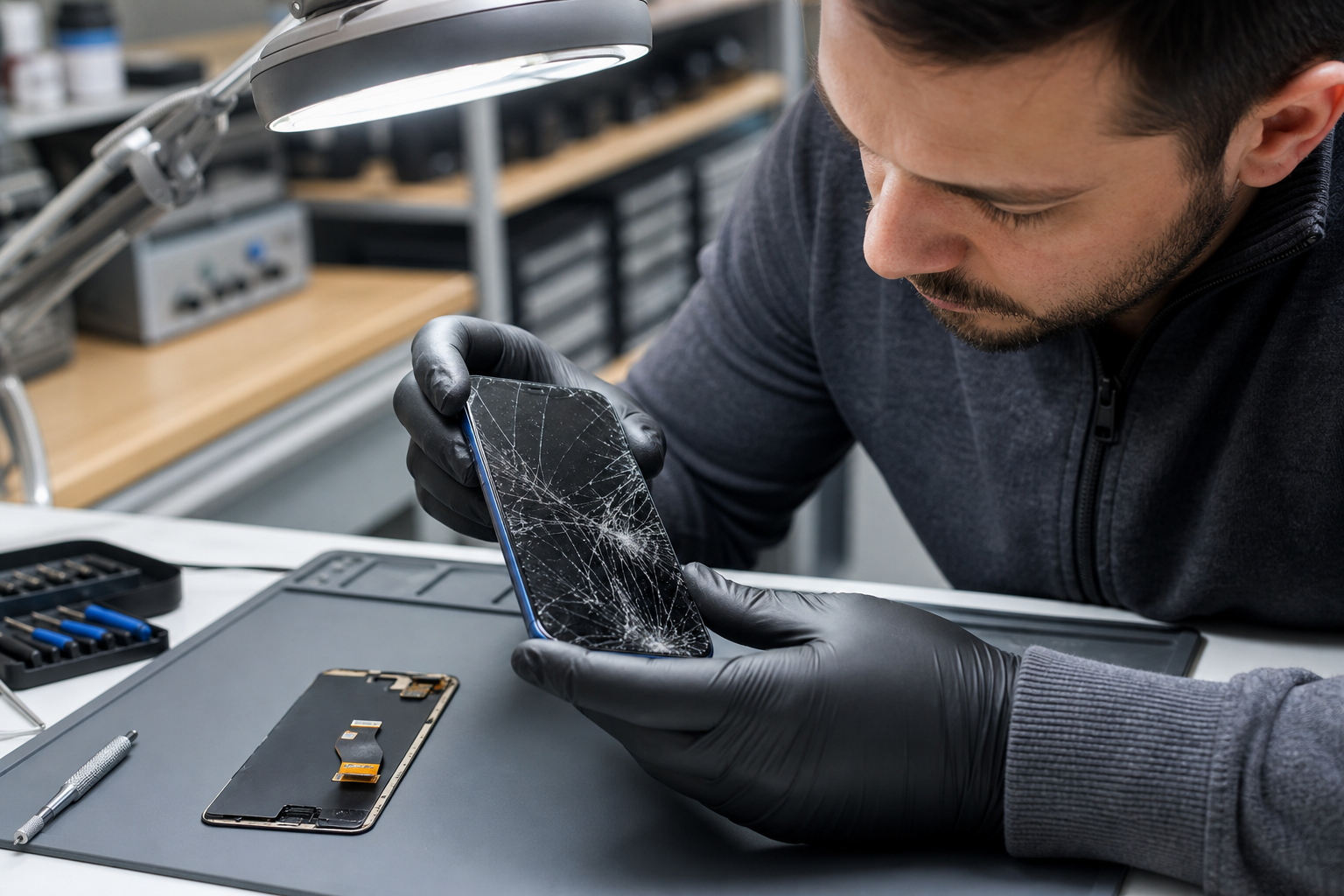
Repair is worth considering when the phone has one clear, manageable fault and the rest of the device works properly. A cracked screen, damaged charging port, faulty speaker or worn component can make a phone frustrating to use, but it does not always mean the handset has reached the end of its useful life.
A repair may be a good choice when:
- The phone contains important photos, messages or files that you want to keep accessible.
- You are happy with the camera, size and performance of your existing device.
- The damage is limited to the screen or another identifiable part.
- You would rather avoid the cost and setup time of a new phone.
- You need a dependable temporary solution while deciding on a future upgrade.
It is sensible to ask for an assessment before making a decision. Fonebook can provide local phone and device repairs in Horden, with current repair pricing, online booking and repair tracking. Because repair prices and availability can vary by model and fault, check the live repair page or contact Fonebook for the current position rather than relying on an old price found elsewhere.
Fonebook is based at Unit 5 Cotsford Lane, Horden, SR8 4JJ. You can visit the Fonebook Horden location page to find out more.
Protecting your current phone before it gets worse
If your existing Pixel is working well, protection is often the simplest next step. A suitable case can help reduce damage from everyday knocks, while a screen protector can help prevent scratches and some surface damage. Google recommends choosing a protector made for the correct phone model and size, particularly where fingerprint unlocking is involved. (support.google.com)
When choosing protection, check:
- The exact Pixel model and screen size.
- Whether the protector is compatible with the fingerprint sensor.
- Whether the case leaves the camera bar, speakers and charging port clear.
- Whether the case has raised edges around the display.
- Whether you prefer slim protection or a more rugged design.
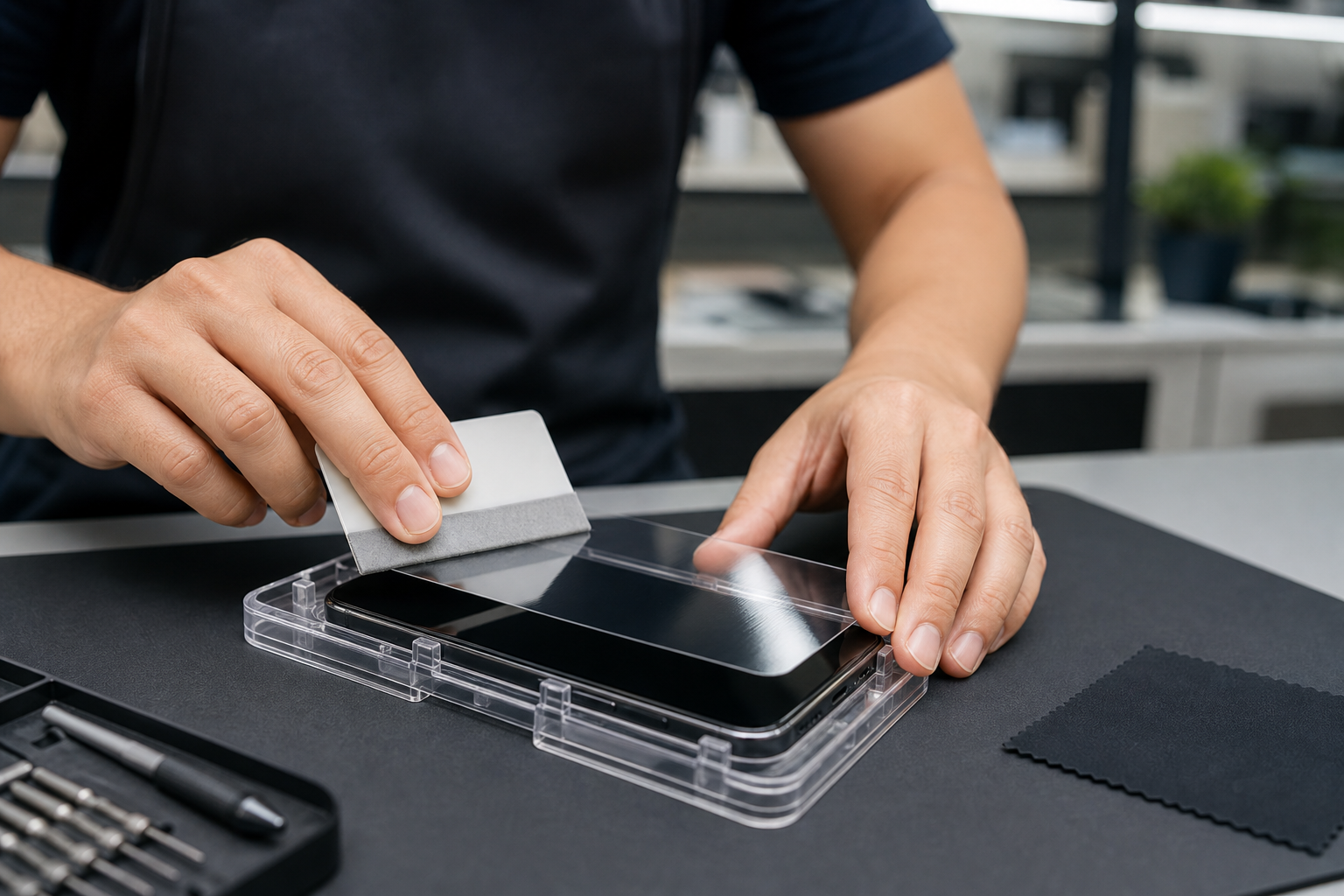
Fitting a screen protector carefully matters. Dust, fingerprints and slight misalignment can create bubbles or interfere with touch sensitivity. If you are buying a new Pixel 11, it is worth arranging protection before the phone is exposed to keys, grit, pockets or accidental drops.
Fonebook can advise on suitable Pixel-compatible protection where available and can fit a screen protector as part of your phone setup. Stock can change, so check availability before travelling.
Moving your data to a new Pixel 11
Setting up a new phone is often more stressful than choosing one. Google recommends backing up your data, charging both phones and keeping them close together during the transfer. A USB-C cable can provide a faster or more reliable connection if wireless transfer is interrupted. (support.google.com)
Before starting, make sure you:
- Back up photos, contacts, messages and other important information.
- Know your Google Account email address and password.
- Charge both phones sufficiently.
- Have a suitable USB-C cable available.
- Check that banking, authentication and messaging apps are ready to be signed in again.
- Keep the old phone until you have checked that essential data has transferred.
Some items may not transfer automatically, including certain app data, downloaded files, accounts outside your main Google Account and some device settings. For that reason, avoid wiping or trading in your old phone immediately.
If you would prefer help, Fonebook offers same-day data transfer and phone setup guidance according to the supplied service brief. Ask about the current service when booking, particularly if you have a large photo library or need help checking your accounts.
A simple upgrade, repair or protect checklist
Ask yourself these questions:
1. Is the phone still fast enough for the way I use it? If yes, an upgrade may not be urgent.
2. Is there one obvious fault? A repair assessment could be worthwhile.
3. Is the battery, screen and charging performance all deteriorating? Replacement may be more practical.
4. Do I need Pixel 11-specific features? If not, protection may offer better value.
5. Have I backed up my data? Do this before any repair, reset or upgrade.
6. Will I protect the next phone? Budget for a correctly sized case and screen protector.
There is no universal answer. The right choice depends on the phone’s condition, the fault, your budget and the features you actually use.
How Fonebook can help in Horden
Whether you decide to upgrade or keep your current phone, Fonebook can help you take the next practical step. You can ask about repair options, current pricing, data transfer, phone setup, screen-protector fitting and case advice.
Visit the Fonebook home page or the Fonebook blog for further guidance. For local support, Fonebook is at Unit 5 Cotsford Lane, Horden, SR8 4JJ, United Kingdom.
Warranty on fitted parts — terms apply.
Frequently asked questions
Is the Google Pixel 11 worth upgrading to?
It may be worthwhile if you need newer camera, AI or performance features, or if your current phone has several faults. If your existing Pixel still meets your needs, repair or protection may be more practical.
Can Fonebook fit a Google Pixel 11 screen protector in Horden?
Fonebook can advise on Pixel-compatible protection and screen-protector fitting where available. Check current stock and availability before visiting, as accessories can vary by model.
Should I repair a cracked Pixel screen or buy a new phone?
If the phone otherwise works well and the damage is limited, a repair assessment is sensible. If there are several faults, severe damage or storage and performance limitations, replacement may be more suitable.
Can my data be transferred to a new Pixel 11?
Google supports transferring contacts, messages, photos, apps and other data from many Android phones and iPhones. Back up first, keep both phones charged and retain the old phone until you have checked the transfer.
Will any screen protector fit the Pixel 11 range?
No. Screen protectors are designed for specific models and sizes. Choose one made for the exact Pixel 11, Pixel 11 Pro, Pixel 11 Pro XL or Pixel 11 Pro Fold model, and check fingerprint compatibility where relevant.