
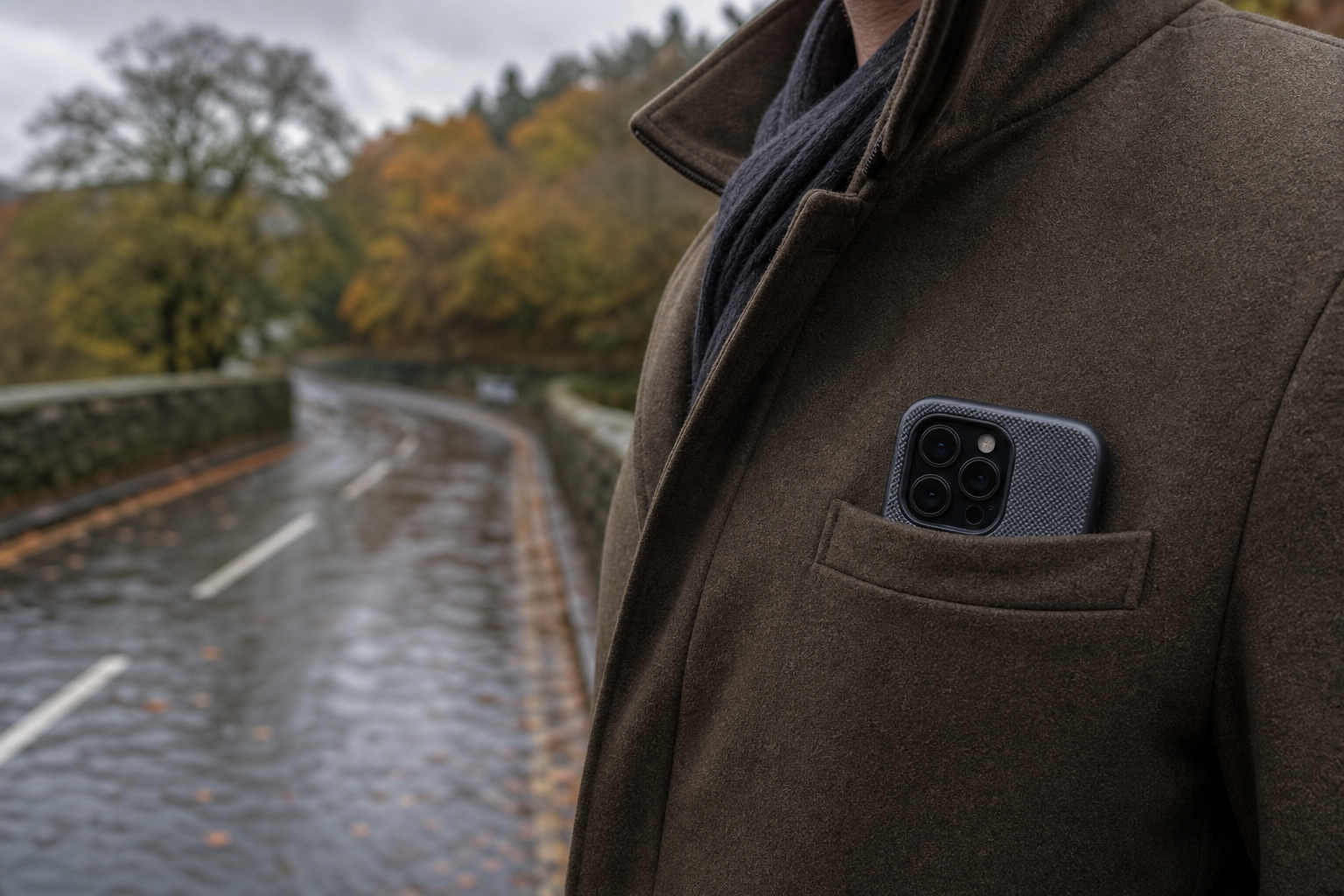
Autumn in the UK can be hard on phones. One minute you are walking through Horden in dry weather, and the next you are dealing with heavy rain, cold hands and a damp pocket or bag. Moisture can reach charging ports, speakers and buttons, while a drop on a wet pavement can turn a small accident into a cracked screen or damaged casing.
The good news is that a few simple habits and suitable accessories can reduce the risk. Here is how to prepare your phone for unpredictable autumn weather, plus what to do if it gets wet.
Why autumn weather can be a problem for phones
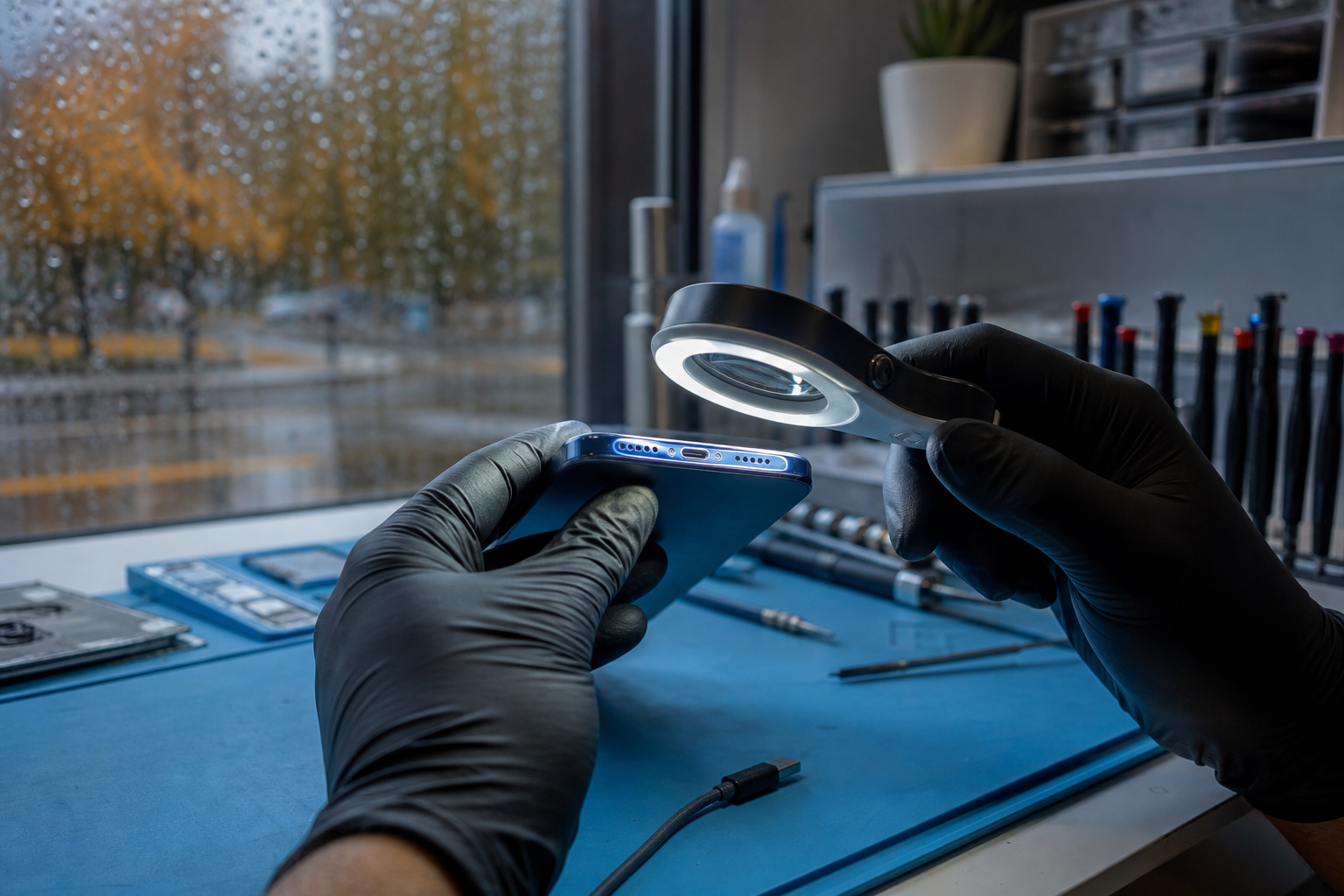
Rain is the most obvious risk, but autumn conditions create several different problems:
- Water can enter through exposed ports, especially if you connect a charging cable while the phone or cable is damp.
- Cold temperatures can affect battery performance, making the battery appear to drain faster or causing the phone to shut down unexpectedly.
- Condensation can form when a cold phone is brought into a warm building or vehicle.
- Wet hands and slippery surfaces increase the chance of drops.
- Damp bags and coat pockets can transfer moisture to the phone over time, even when there has been no obvious splash.
Many modern phones have some level of water resistance, but this should not be treated as waterproofing. Resistance can vary by model and may be reduced by age, damage, previous repairs or worn seals. A water-resistance rating also does not mean that the phone should be deliberately exposed to rain or submerged.
Choose autumn phone accessories carefully
If you are looking for autumn phone accessories in Horden, focus on protection that suits how you use your device rather than buying the largest or most expensive-looking accessory.
1. A protective phone case
A well-fitting case can help protect the back and edges of your phone from knocks and drops. Look for raised edges around the screen and camera, a secure grip and precise cut-outs for the charging port, speakers and buttons.
Avoid assuming that every thick or sealed-looking case is waterproof. Unless the product has a clearly verified water-resistance rating and instructions for use, treat it as protection against knocks and light splashes only—not heavy rain or immersion.
Check the case regularly. If it has stretched, cracked or no longer holds the phone firmly, it may not provide the same protection during a drop.
2. A screen protector
A screen protector will not stop water damage, but it can help reduce everyday scratches and may provide an extra layer against minor impacts. It is particularly useful in autumn, when a phone may be placed on gritty benches, wet tables or the bottom of a bag.
A protector with poor alignment or lifted edges can trap dirt and moisture. If yours is cracked, chipped or peeling, replace it rather than continuing to rely on it.
3. A reliable charging cable
A worn or damaged cable is worth replacing before the wetter months. Frayed insulation, bent connectors and loose plugs can make charging unreliable and may damage the charging port.
Keep the cable dry and avoid leaving it on a wet surface. Do not force a connector into the phone if it does not fit easily. A small amount of grit or moisture in the port can cause problems.
If your phone displays a liquid or debris warning, unplug the charger and allow the phone and cable to dry at room temperature. Google advises against putting objects into the USB port to clean it. (support.google.com)
4. A power bank for colder days
A power bank can be useful if you spend a lot of time travelling, walking or working outdoors. It may reduce the temptation to charge your phone from a questionable public cable or from a damaged lead.
Keep the power bank dry and check it for swelling, cracks, unusual heat or damage. Use a suitable cable and avoid charging either device while moisture is present. A power bank is a backup, not a substitute for investigating a battery that is suddenly draining unusually quickly.
Everyday habits that help prevent water damage
Small changes can make a meaningful difference:
- Keep your phone in an inside coat pocket or a zipped, water-resistant compartment rather than an open outer pocket.
- Use a small waterproof pouch or resealable bag when walking in heavy rain—but allow the phone to cool before sealing it away if it is warm.
- Dry your hands before using the phone in wet conditions.
- Do not place the phone on damp café tables, radiators or wet car surfaces.
- Keep the charging port facing down if the phone is caught in a light shower, then wipe the exterior with a soft, lint-free cloth.
- Avoid charging your phone immediately after coming in from the rain if there is any chance that the port or cable is damp.
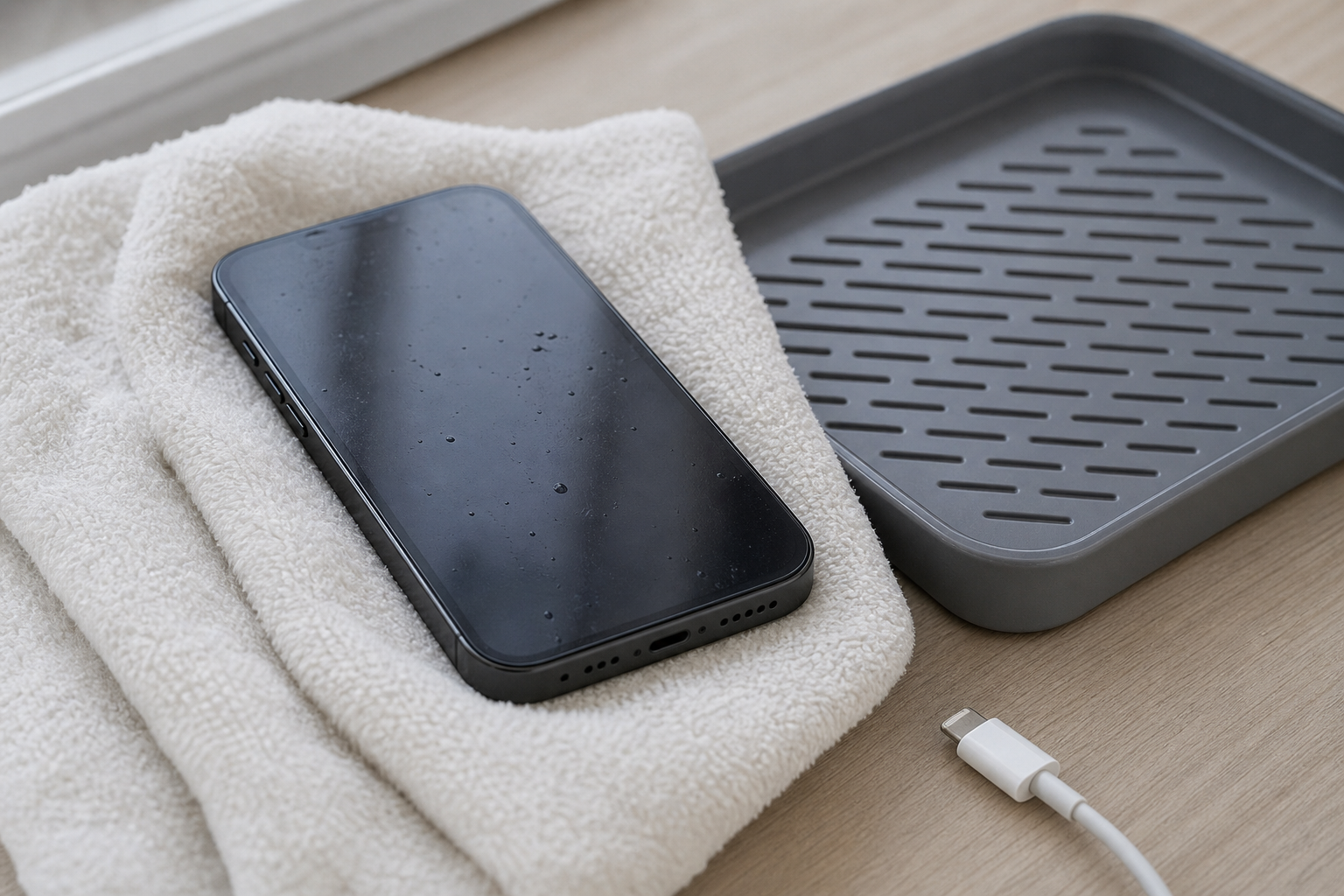
- Remove a wet case and dry both the case and phone separately.
Do not use a hairdryer, radiator, oven or other external heat source to dry a wet phone. Excessive heat can damage the device, battery or seals. Google’s safety guidance also warns against charging when moisture is present. (support.google.com)
What to do if your phone gets wet
If your phone is splashed or dropped in water, act calmly:
1. Move it away from the water.
2. Disconnect the charger or accessories if it is safe to do so.
3. Switch the phone off if it is still working and you can do this normally.
4. Remove the case, SIM tray where appropriate and any easily removable accessories.
5. Wipe the outside gently with a dry, lint-free cloth.
6. Leave it in a dry place at room temperature.
7. Do not charge it or repeatedly press buttons to test it.
Avoid rice, kitchen roll pushed into the port, cotton buds, compressed air and household cleaning products. These can leave debris behind, push moisture further inside or damage delicate components.
If the phone was submerged, exposed to salty water, or starts behaving strangely, professional assessment is sensible even if it appears to recover. Liquid damage may develop later through corrosion, so a phone that turns back on is not necessarily unaffected.
Signs your phone may need professional repair
Arrange a repair assessment if you notice any of the following after rain or damp exposure:
- The phone will not switch on or charge.
- Charging stops and starts, or the cable feels unusually loose.
- The screen flickers, shows lines or does not respond properly.
- The camera lens appears misted inside.
- The speaker or microphone sounds muffled after the phone has dried.
- The phone becomes hot, restarts repeatedly or drains its battery rapidly.
- Buttons, Face ID, fingerprint recognition or connectivity stop working normally.
Do not continue charging a phone that becomes hot, smells unusual or shows signs of battery damage. Set it aside safely and seek advice.
Preparing an autumn protection bundle
For many people, a practical autumn bundle could include:
- A suitable protective case.
- A screen protector fitted correctly.
- A dependable charging cable.
- A power bank if you regularly spend time away from a charger.
- A small pouch to keep the phone away from wet pockets and bags.
The right combination depends on your phone model and daily routine. A case should fit properly, the cable should be compatible and accessories should be kept in good condition. Protection is most useful when it is convenient enough to use every day.
If your phone has already suffered a cracked screen, charging fault or possible liquid exposure, Fonebook provides local phone and device repairs in Horden. You can visit Fonebook Horden at Unit 5 Cotsford Lane, Horden, SR8 4JJ, or use the Fonebook home page to check current repair information and online booking options. Current repair pricing, availability and turnaround details should be checked on the live repair page before booking.
Fonebook also offers warranty on fitted parts, with terms applying. If you are unsure whether a damp phone is safe to use, stop charging it and ask a repair professional to assess it rather than risking further damage.
Frequently asked questions
Can I use my phone in the rain if it is water resistant?
Water resistance is not the same as waterproofing. Avoid deliberate exposure, keep the phone away from heavy rain and never charge it while the phone or cable is damp. Resistance may also reduce with age, damage or previous repairs.
What should I do if my phone says there is liquid in the charging port?
Unplug the charger, switch the phone off if possible and leave it to dry at room temperature. Do not insert objects into the port and do not use external heat. If the warning continues after the phone is dry, arrange a professional assessment.
Is rice a good way to dry a wet phone?
Rice is not recommended. Grains and dust can enter the charging port, while the phone may still contain moisture internally. Wipe the exterior, leave it at room temperature and seek professional advice if it was submerged or is not working normally.
Can cold weather damage my phone battery?
Cold conditions can temporarily reduce battery performance and may cause faster battery drain or unexpected shutdowns. Keep the phone close to room temperature, avoid sudden heating and do not charge it if it is wet or unusually cold.
What autumn phone accessories should I buy in Horden?
A well-fitting protective case, screen protector and reliable charging cable are useful starting points. A power bank can also help if you travel or work away from sockets. Check that accessories fit your exact phone model and do not assume a case is waterproof unless its rating is verified.