
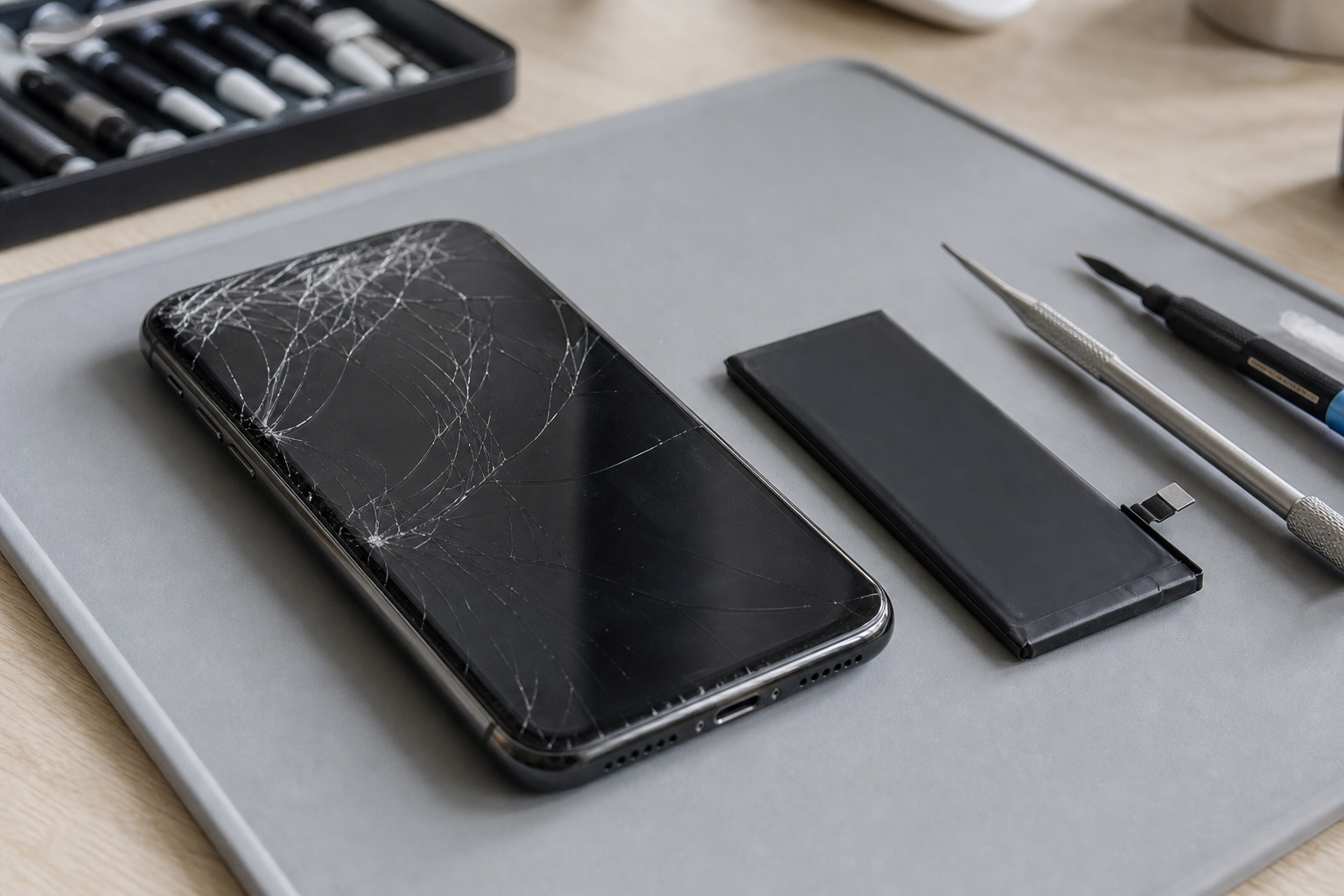
If your phone has a cracked screen, weak battery or unreliable charging port, the obvious question is often: should you repair it or replace it?
In 2026, discounted phone offers and new model launches can make upgrading tempting. However, a repair may still be the more sensible choice, particularly if your current handset performs well and the fault is limited to one part.
This guide explains how to compare your options without relying on guesswork. If you are searching for phone repair or upgrade in Horden, you can also speak to Fonebook for a practical repair-versus-upgrade assessment.
Start with the actual problem
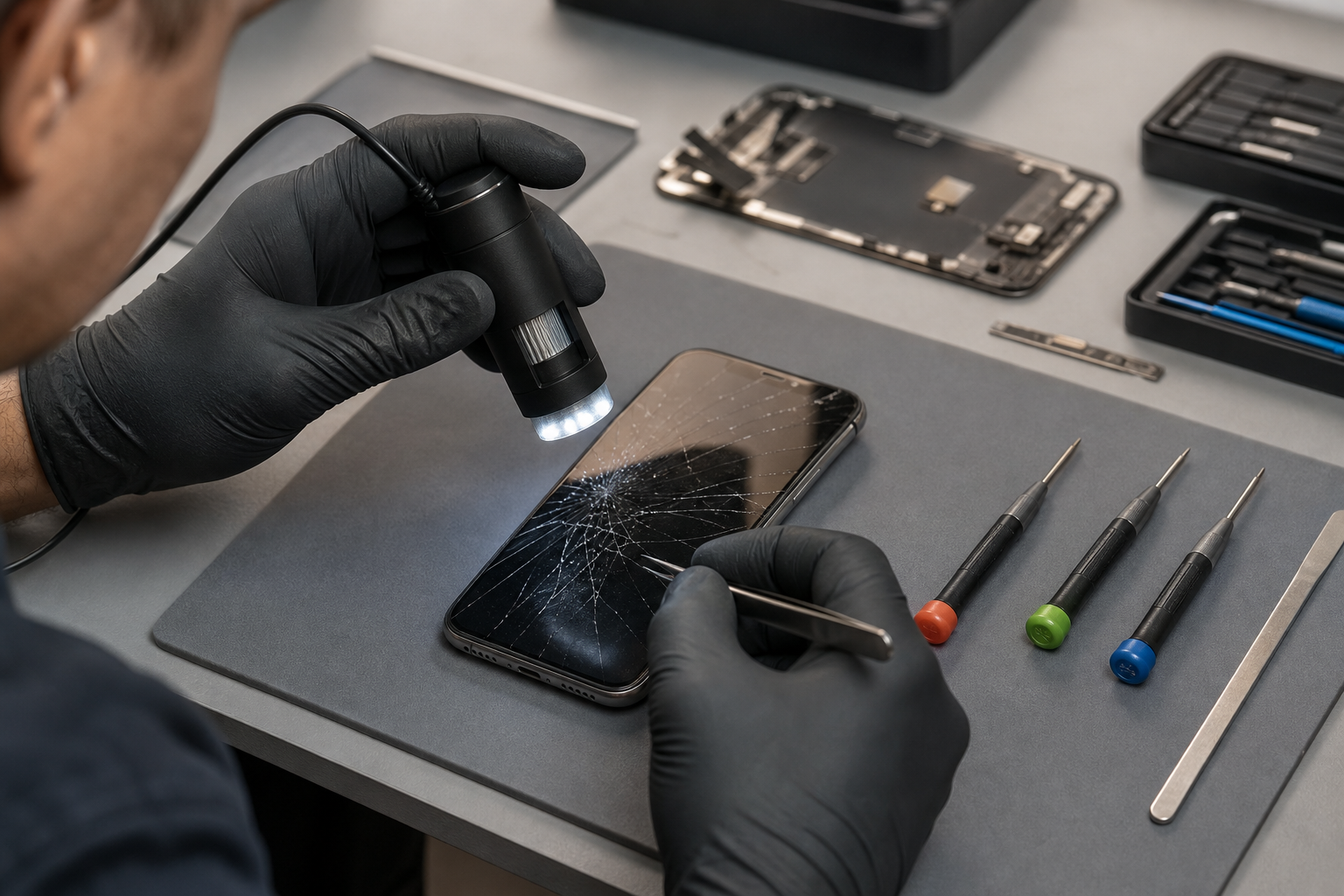
Before comparing prices, identify what is wrong with the phone. A single repairable fault does not necessarily mean the handset has reached the end of its useful life.
Common problems include:
- A cracked or unresponsive screen
- A battery that drains quickly or switches off unexpectedly
- A charging port that only works at certain angles
- A damaged back glass or camera lens
- Poor sound from the speaker or microphone
- Liquid exposure or intermittent faults
- Software problems that may not require a part replacement
Try a few safe checks first. Restart the phone, install available software updates and test it with a known working charger and cable. If the phone has a removable case or debris around the charging opening, remove the case and carefully inspect the port. Do not push metal objects into the port or use force to remove compacted dirt.
If the problem continues, a professional inspection can help establish whether you need one repair or whether several components have been affected.
Screen repair or a new phone?
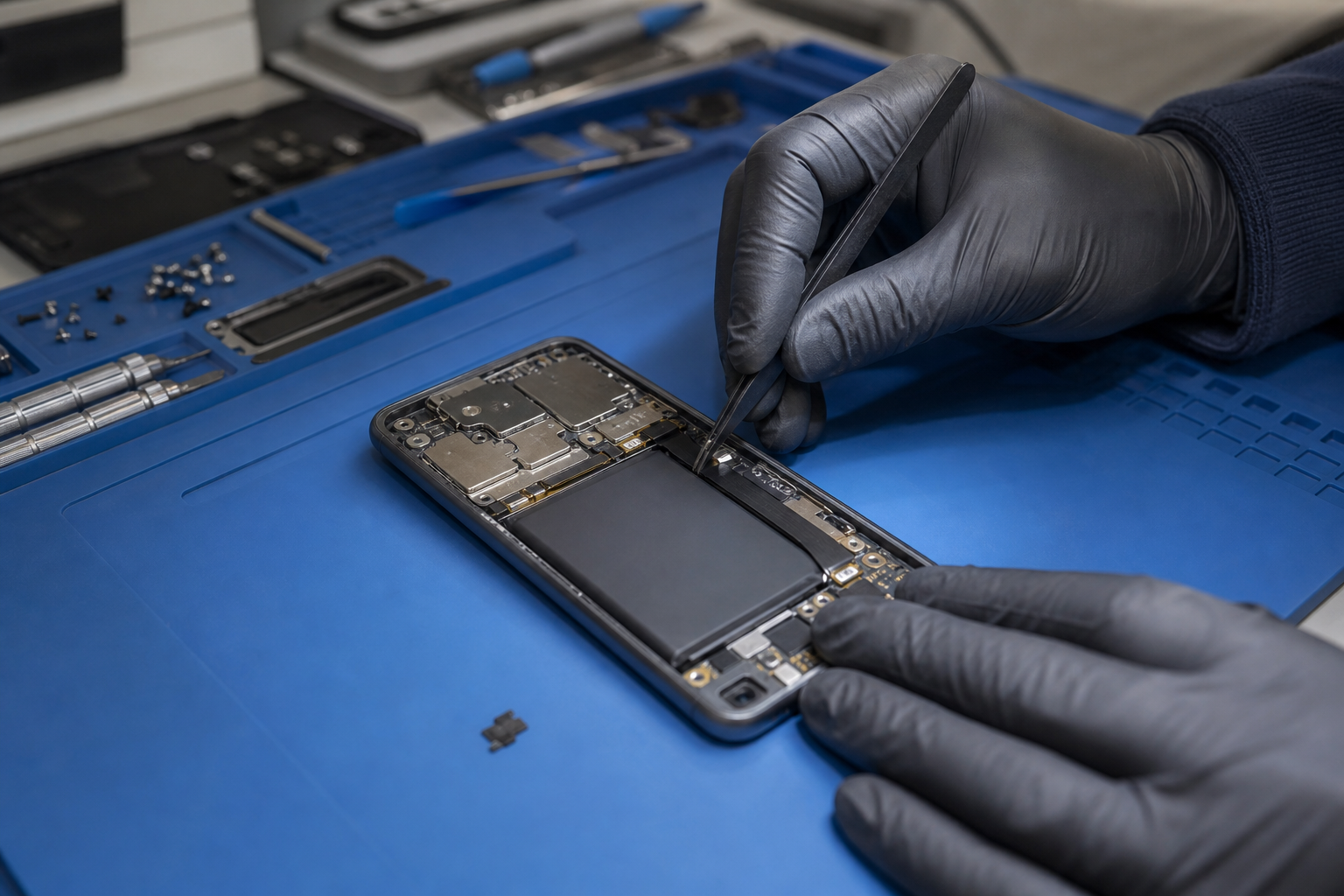
A broken screen is one of the most common reasons people consider upgrading. If the phone still switches on, holds a reasonable charge and meets your everyday needs, repairing the screen may be worth considering.
Repair is often the more straightforward option when:
- The display is cracked but the phone works normally
- Touch response is reliable apart from the damaged area
- The cameras, speakers and charging function still work
- You are happy with the phone’s speed and storage
- The handset is not already affected by several other faults
Replacement may make more sense if the screen damage is only one part of a wider problem. For example, a phone with a damaged frame, poor battery life, unreliable charging and repeated software crashes could require more than one repair.
Do not delay a screen assessment if glass is lifting, sharp or exposing the inside of the device. Continuing to use a badly damaged phone can make everyday handling uncomfortable and may allow further damage.
Battery replacement or upgrade?
Phone batteries are consumable components. Their capacity gradually falls with use, so a previously reliable phone may eventually need charging several times a day.
On iPhone, you can check Settings > Battery > Battery Health & Charging. On some Android phones, battery information is available through the Battery section of Settings, although the exact menu varies by manufacturer and model.
As a general guide, a battery replacement is worth investigating when:
- The phone’s battery health is significantly reduced
- It loses charge unusually quickly during light use
- It switches off despite showing remaining charge
- Performance becomes inconsistent when the battery is low
- You otherwise like the phone and it still runs the apps you need
Apple states that iPhone batteries are designed to retain up to 80% of their original capacity after a specified number of complete charge cycles under ideal conditions. Google gives similar guidance for supported Pixel models, with the exact cycle information varying by device. These figures are useful indicators, not a guarantee of how every individual battery will perform.
A battery replacement can extend the useful life of a phone that is otherwise in good condition. However, if the handset no longer receives the software support you need, has very limited storage or has several physical faults, putting money into a battery may not be the best long-term decision.
Charging-port repair or buying new?
A phone that will not charge is not automatically ready for replacement. The cause may be the cable, plug, dirt in the port, a worn charging socket or an internal fault.
Before arranging a repair, try:
- A different compatible cable
- A different wall plug or power socket
- Charging from a computer or power bank, if suitable
- Removing the case to check that it is not blocking the connector
- Looking for visible lint or debris without inserting sharp objects
If the phone charges only when the cable is held in a particular position, the port may be worn or damaged. Repeatedly forcing the connector can make the problem worse. A repair assessment can determine whether the port needs attention or whether the fault lies elsewhere.
Charging-port repair is usually easier to justify when the phone is otherwise dependable. If the device has water damage, a swollen battery or multiple symptoms, ask for a full inspection rather than assuming the port is the only issue.
Use this repair-versus-upgrade checklist
Compare both options using the following questions:
1. How much is the repair?
Check the current repair price for your exact make and model. Prices can vary between devices and between different types of damage. If the repair you need is not listed, check the live Fonebook repair page or contact the team before making a decision.
2. What condition is the rest of the phone in?
Look at the screen, frame, cameras, buttons, battery, charging port and speakers. A phone with one clear fault is a different proposition from one with several developing problems.
3. Does it still do what you need?
Consider your real use rather than the newest features. Does it run your banking app, messaging services, navigation, work tools and other essentials? Is the storage sufficient? If yes, a repair may provide better value than replacing a phone that still meets your needs.
4. What would a new phone really cost?
Include the handset price, accessories, data transfer time and any contract or finance commitment. A headline discount may not represent the full cost of changing devices.
5. How long do you expect to keep it?
If you only need a reliable phone for another year, a suitable repair could be practical. If you want to keep the handset for several more years, consider whether its software support, storage and performance are likely to remain adequate.
6. Is the upgrade offer certain?
If you are relying on a trade-in valuation, read the terms carefully. Check how the condition is assessed, when payment is made and what happens if the final valuation differs from the estimate. Keep your old phone until the trade-in process is complete, and back up your data before handing it over.
When replacing is probably the better option
An upgrade may be more suitable when:
- The phone has several expensive or unrelated faults
- It no longer supports important apps or security updates
- Storage is consistently full
- The performance is no longer suitable for your daily use
- The frame or body is badly bent
- The phone has serious liquid or internal damage
- A repair would cost close to the realistic cost of a suitable replacement
Even then, do not assume replacement is automatically cheaper. Ask for the repair cost for your exact device and compare it with the complete cost of the replacement you actually want, not just the advertised starting price.
When repairing is probably the better option
Repair is often worth considering when the phone is otherwise working well and the issue is limited to a screen, battery or charging port. It can also save the time involved in transferring data, signing into accounts and learning a new device.
Before any repair, back up important photos, contacts and documents where possible. Remove payment cards and sensitive information if the repair provider instructs you to do so, and make sure you know your passcode requirements.
Fonebook provides local phone and device repairs in Horden, with current repair pricing, online booking and repair tracking. You can find the location details for Fonebook Horden or visit the Fonebook home page to check available options.
Fonebook is based at Unit 5 Cotsford Lane, Horden, SR8 4JJ, United Kingdom. Warranty on fitted parts — terms apply. If you are unsure whether to repair or upgrade, bring the phone in for a practical assessment before committing to a new handset.
Frequently asked questions
Is it cheaper to repair a phone or buy a new one?
It depends on the phone, the fault and the cost of a suitable replacement. A screen, battery or charging-port repair may be sensible when the rest of the handset works well. Compare the repair price with the complete cost of the replacement, including any contract or finance commitment.
Should I replace my phone if the battery health is below 80%?
A battery below 80% can be a useful sign that replacement is worth investigating, but it is not the only factor. Consider battery performance, software support, storage, physical condition and how well the phone meets your needs.
Can a charging problem be caused by the cable rather than the phone?
Yes. Test a known working compatible cable, plug and power socket before arranging a repair. If the phone still charges intermittently or only at a particular angle, the charging port or another internal component may need professional assessment.
What should I check before trading in my old phone?
Read the trade-in terms, check how condition affects the final valuation, back up your data, remove accounts and payment cards, and keep the phone until the payment and valuation process is complete.
Where can I compare phone repair or upgrade options in Horden?
Fonebook provides local phone and device repairs at Unit 5 Cotsford Lane, Horden, SR8 4JJ. Check the live repair information or contact Fonebook for the current price for your make and model.