

Repair or replace your phone in the UK?
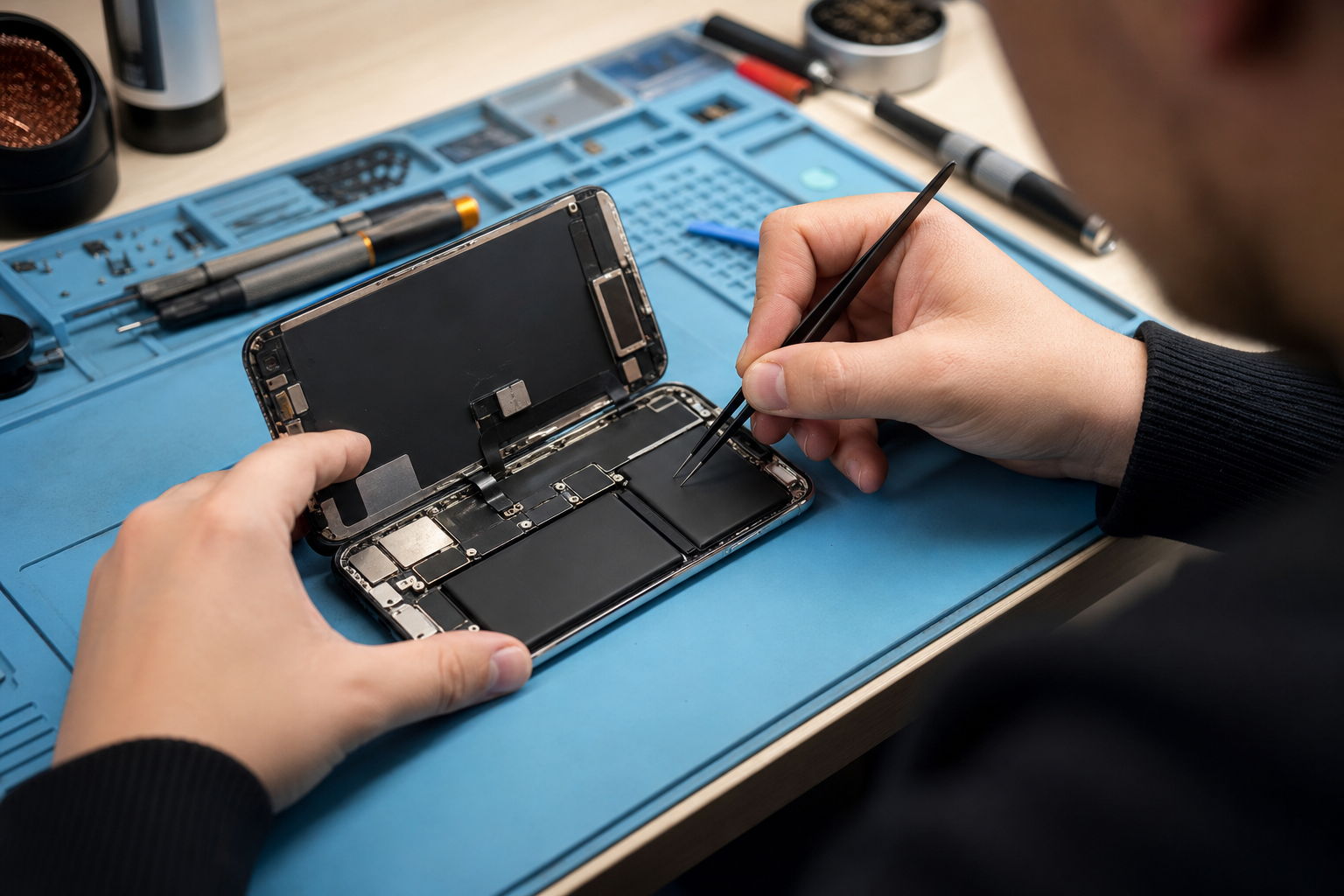
When a phone starts playing up, buying a new one can seem like the simplest answer. However, a cracked screen, weak battery or faulty charging port does not always mean your handset has reached the end of its useful life.
The better question is: which option gives you the best total value? That might mean repairing your current phone, trading it in as it is, buying a refurbished handset or replacing it with a new model.
This guide explains what to consider before spending money, with practical advice for customers in Horden and across the UK.
Start with the total ownership cost
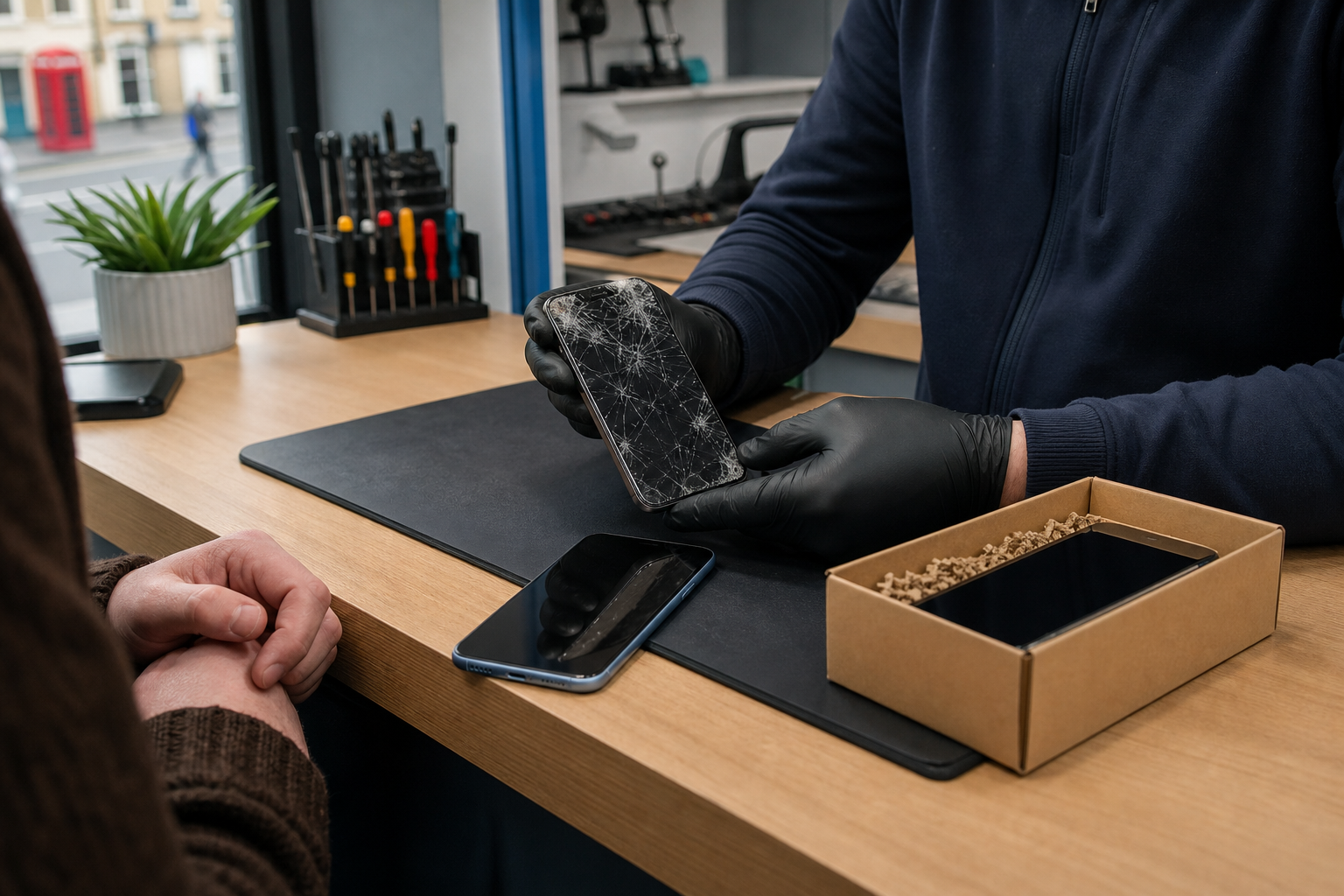
The cheapest option is not necessarily the one with the lowest price today. Try comparing the full cost of each choice:
- Repair: repair price plus any likely follow-up repairs.
- Trade-in: the value offered for your current phone, compared with the cost of its replacement.
- Refurbished replacement: purchase price, delivery or collection costs, and any accessories you need.
- New phone: handset price, network costs, accessories and the amount you may pay before your next upgrade.
If you are considering a repair, check the current price for your exact model and fault on the relevant live repair page. Repair prices vary according to the device, part required and condition, so it would be misleading to use a generic figure.
You should also consider how long you expect to keep the phone. A £100 repair that keeps a handset useful for another 18 months may offer better value than replacing it immediately. On the other hand, repeated repairs on an older phone can make a replacement more sensible.
When repairing is usually worth considering
Repair is often worth investigating when the phone is otherwise working well and the fault is limited to one component.
Screen damage
A cracked screen can be inconvenient and may become unsafe if glass is lifting or splintering. If the display, cameras, speakers, battery and charging function are all reliable, a screen repair may restore the phone’s usability without the cost of a replacement.
Before arranging a repair, check whether the damage is purely cosmetic. Test touch response across the display, brightness, front camera, proximity sensor and fingerprint or Face ID functions. If several features have failed after a drop, ask for an assessment rather than assuming it is only a screen problem.
Battery problems
Battery ageing is one of the most common reasons people feel they need a new phone. If your handset still meets your needs but needs charging more often, a battery replacement may extend its useful life considerably.
A replacement battery can be particularly worthwhile when:
- The phone works normally while connected to a charger.
- Apps, storage and camera quality are still adequate.
- The handset is in good physical condition.
- You are happy with its size, features and network compatibility.
A battery replacement will not make an old phone perform like a brand-new model, and it cannot solve every shutdown or charging problem. Faults involving the charging port, power management or liquid damage may need further diagnosis.
Charging faults
Try a known-good cable, charger and power socket first. Carefully check the port for visible dust or debris, but avoid inserting metal tools or forcing anything inside. If the cable only works at a particular angle, the port feels loose or wireless charging works but wired charging does not, professional inspection may be appropriate.
Camera, speaker or microphone faults
If one specific function has stopped working, repair could be more economical than replacing the whole device. Before booking, restart the phone, check permissions and test the function in more than one app. Software settings can sometimes appear to be hardware faults.
When trade-in may make more sense
Trade-in can be convenient if you already planned to upgrade and your phone retains reasonable value. It may be less attractive if the handset has a major fault, severe cosmetic damage, activation lock, account lock or missing accessories, depending on the provider’s assessment rules.
Compare the net cost rather than focusing only on the trade-in offer:
> Replacement phone price minus trade-in value = approximate upgrade cost
Then compare that figure with the cost of repairing your current phone and keeping it for another year or two.
A trade-in valuation is not always final. The amount may change after the phone is inspected, particularly if its condition differs from the description. Photograph the handset before sending it and keep any tracking or posting evidence.
Preparing your phone safely for trade-in
Protecting your data is essential. Phones can contain messages, photographs, passwords, payment details and account access. The UK National Cyber Security Centre recommends erasing personal data before selling, donating or trading in a device. (ncsc.gov.uk)
Use this checklist:
- Back up photographs, contacts, messages and authenticator information.
- Transfer your data to the replacement phone and check that it is accessible.
- Remove payment cards and travel passes from your digital wallet.
- Sign out of Apple, Google and other accounts.
- Remove the physical SIM and check whether an eSIM needs transferring or removing.
- Disable device-finding and activation-lock services where required.
- Complete a full factory reset rather than simply deleting individual photographs or apps.
- Remove memory cards if your phone uses one.
- Record the phone’s condition and keep proof of postage.
Apple advises iPhone owners to back up, sign out and use Erase All Content and Settings before selling or trading in. Android’s guidance similarly recommends clearing data and resetting the device to factory settings. (support.apple.com)
If your phone will not turn on, do not assume the data is inaccessible. A device with a dead screen or battery may still contain personal information. Consider getting advice before disposing of it. (ico.org.uk)
The refurbished option: a useful middle ground
A refurbished phone can sit between repair and buying new. It may give you a newer model or better battery life without the cost of a current flagship handset.
Before buying refurbished, check:
- The exact model, storage capacity and network compatibility.
- Whether the phone is unlocked for your preferred network.
- The stated cosmetic condition.
- Battery information, if provided.
- What warranty or returns terms apply.
- Whether the seller gives a clear grading and testing process.
- Whether the handset is free from account locks.
Do not compare a refurbished phone’s headline price with a repair price alone. Include the value of your current handset, the cost of transferring data and any case, charger or screen protector you will need.
A simple decision guide
Repair is often the sensible first step when the phone is relatively modern, the fault is limited and the repair cost is comfortably below the cost of a suitable replacement.
Trade in when you want to upgrade, the phone is in acceptable condition and the offer produces a worthwhile reduction in your replacement cost.
Choose refurbished when you want a newer or more capable handset but want to control spending.
Replace with new when your phone has several unrelated faults, no longer supports the apps or network features you need, has serious liquid or board damage, or would require repeated repairs.
There is no universal percentage rule that decides this for everyone. Your budget, usage, preferred features and confidence in the phone’s remaining life all matter.
Need help deciding in Horden?
If you are unsure whether a repair is worthwhile, Fonebook can help you investigate the fault and compare your options. Current repair pricing, online booking and repair tracking are available through Fonebook Horden.
You can visit Fonebook at Unit 5 Cotsford Lane, Horden, SR8 4JJ, United Kingdom. If you decide to repair, warranty on fitted parts applies, with terms applying. For general device advice, you can also visit the [Fonebook home](/) or browse the Fonebook blog.
The aim is not to push you towards the most expensive option. It is to help you choose the option that gives you reliable use and sensible value for your circumstances.
Frequently asked questions
Is it cheaper to repair or replace a phone in the UK?
It depends on the phone model, fault, age and current replacement cost. Compare the exact repair price with the net cost of buying another suitable phone, including trade-in value and accessories.
Should I replace my phone if the battery is weak?
Not necessarily. If the phone still meets your needs and has no major faults, a battery replacement may extend its useful life. Charging-port, software or power-management faults can produce similar symptoms, so diagnosis may be helpful.
Is trading in a cracked phone worth it?
Sometimes, but damage can reduce the valuation or make the phone ineligible. Compare the trade-in offer after inspection with the cost of repairing the phone first and then selling or trading it.
How do I prepare my phone before trading it in?
Back up and transfer your data, sign out of your accounts, remove payment cards and SIMs, disable relevant device-locking services, then complete a full factory reset. Keep proof of postage and record the phone’s condition.
Is buying a refurbished phone a good alternative to repairing?
It can be. Refurbished phones may offer a newer model at a lower upfront cost than buying new. Check the condition, battery information, network compatibility, warranty and returns terms before buying.
Sources
- Apple Support UK: Prepare your iPhone, Apple Watch or Android device for trade-in
- Google Android Help: Switch to a new Android device
- Google Android Help: Reset your Android device to factory settings
- National Cyber Security Centre: Buying, selling and donating second-hand devices
- Information Commissioner’s Office: Deleting your data from devices