
Summer can be hard on your phone battery. Warmer rooms, direct sunlight, long journeys, navigation, video calls and extra screen time can all make a battery appear to drain much faster than usual.
Sometimes the problem is temporary and linked to how you are using the phone. In other cases, hot weather simply makes an ageing or damaged battery problem more noticeable. If your phone is losing charge quickly every day, a battery inspection may help identify whether settings, an app, charging equipment or the battery itself is responsible.
Why warm weather affects battery life
Lithium-ion batteries work best within a moderate temperature range. Apple advises avoiding use or charging in temperatures above 35°C, while Google warns that exposing a Pixel to temperatures above 45°C can damage the device or overheat the battery. Phones may slow down or pause charging when they become too warm. (support.apple.com)
A phone can heat up more quickly when it is:
- Left in direct sunlight or on a hot car dashboard
- Used for navigation, video recording or gaming for long periods
- Running a video call or streaming over mobile data
- Charging while enclosed in bedding, a bag or a poorly ventilated space
- Used with a case that restricts heat from escaping
When the phone gets hot, built-in protection may reduce performance, charging speed, mobile data or other functions. Google notes that overheating and battery drain can be linked, particularly when resource-heavy apps are running. (support.google.com)
Holiday use can make drain more noticeable
Your phone may work harder during summer trips than it does at home. You could be using maps continuously, taking more photographs and videos, searching for signal in unfamiliar areas or relying on mobile data instead of Wi-Fi.
Screen brightness is often higher outdoors, and poor mobile reception can also increase power use as the phone works to maintain a connection. Bluetooth accessories, personal hotspots and frequent camera use may add to the demand.
Before assuming the battery needs replacing, check Settings > Battery to see which apps and features are using the most power. Installing pending software updates, restarting the phone and closing or restricting an unusually power-hungry app may improve the situation.
Charging accessories may also play a part
A damaged cable, loose connector, poor-quality plug or unsuitable charging accessory can cause slow, inconsistent or unusually warm charging. Check the cable for fraying, bent connectors or signs of heat damage, and keep the charging port free from dust without pushing anything sharp inside it.
Use a compatible, tested charger and avoid charging the phone under a pillow or in direct sunlight. If the phone becomes hot while charging, disconnect it from power, move it somewhere cooler and wait before using it again. Apple and Google both recommend allowing an overheated phone to cool before continuing to use or charge it. (support.apple.com)
Overnight charging is not automatically unsafe on modern phones, which manage charging when the battery is full. However, heat can shorten battery lifespan, so ventilation and suitable accessories still matter. (support.apple.com)
Signs your battery may be reaching the end of its life
Consider arranging a professional inspection if you notice several of these symptoms:
- The battery drops rapidly even with light use
- The phone switches off while it still shows charge remaining
- It struggles to last through normal daily use
- Charging is unusually slow, intermittent or stops unexpectedly
- The phone becomes hot during ordinary tasks
- The back cover or screen appears to be lifting
- Battery performance has worsened steadily over time
Age is important too. Batteries naturally lose capacity as they go through charge cycles. A phone that was reliable when new may eventually need charging several times a day, even after software troubleshooting.
What to do if the battery looks swollen
A lifted screen, bulging back panel or a phone that no longer sits flat can indicate a swollen battery. Do not press the phone back together, puncture it or attempt a DIY battery replacement. Stop charging it, avoid unnecessary use and keep it away from heat and flammable materials.
If the battery is exposed or the device is becoming very hot, handle it cautiously and seek professional advice. Google explains that swelling can allow dust or liquid into the phone, while an exposed battery is more vulnerable to accidental damage. (support.google.com)
When should you replace the battery?
A replacement may be sensible when the battery is ageing, rapid drain continues after basic troubleshooting or the phone is no longer reliable away from a charger. It may also be appropriate where charging problems or swelling suggest physical battery damage.
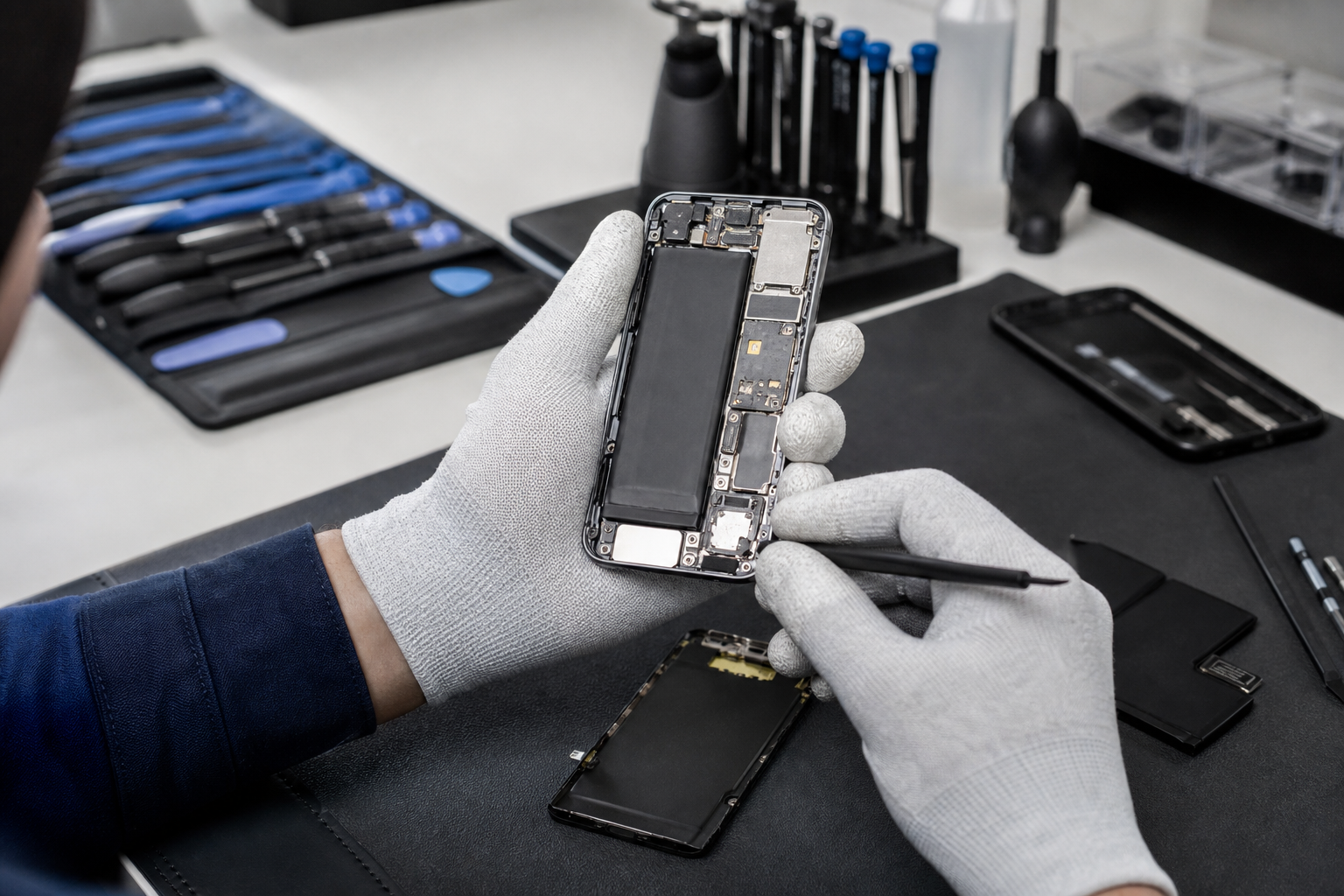
The right repair depends on the phone model and its condition. A repair technician can inspect the device and advise whether battery replacement is suitable or whether another fault may be causing the symptoms.
If you are looking for phone battery replacement in Horden, Fonebook provides local phone and device repairs from Unit 5 Cotsford Lane, Horden, SR8 4JJ. You can visit the Fonebook Horden repair page to check current repair information, online booking and repair tracking. Prices vary by device, so check the live repair page or contact Fonebook for the current price. Warranty on fitted parts — terms apply.
Quick summer battery checklist
- Keep your phone out of direct sunlight and hot vehicles
- Let it cool before charging if it feels unusually hot
- Check Battery settings for apps using excessive power
- Use a compatible, tested charging accessory
- Do not ignore a lifted screen or bulging casing
- Arrange an inspection if rapid drain continues
A warm day does not necessarily mean your phone needs a new battery. But if summer use has revealed persistent rapid drain, overheating or physical changes, getting the device checked can be safer than continuing to rely on it.
Frequently asked questions
Can hot weather permanently damage a phone battery?
High temperatures can reduce battery lifespan and may cause a phone to slow or pause charging temporarily. Keep the device out of direct sunlight and hot vehicles, and allow it to cool before charging.
Why does my phone drain quickly on holiday?
Navigation, bright screens, camera use, video calls, mobile data, poor signal and personal hotspots can all increase power consumption. Check Settings > Battery to identify unusually demanding apps or features.
Is a swollen phone battery dangerous?
A swollen battery should be treated carefully. Do not puncture it, press the phone closed or continue charging it. Stop using the device where practical and seek professional repair advice.
How do I know if I need a battery replacement?
Persistent rapid drain, unexpected shutdowns, unreliable charging, unusual heat or a lifted screen may indicate that the battery needs inspection or replacement.
How much does phone battery replacement cost in Horden?
Fonebook prices vary by device and current repair availability. Check the live repair page or contact Fonebook for the current price.